Every proposal has one page the reader will certainly find. It is the pricing page. They will find it whether you put it third or ninth, and they will read it more slowly than anything else, and they will come back to it, often the evening before a meeting you are not in. Everything about how you present the number should follow from those three facts.
The decisions are fewer than they seem. One number or options. How to anchor without tricks. What goes on the page and what goes elsewhere. And how to write the page so it works on the second read, when the reader has forgotten the rest of the document and is looking at this page alone.
This article takes them in that order. It assumes you have already decided what to charge; it is about the page. If you are still deciding where in the document the page sits, how to structure a proposal covers that.
One number or options
Options are for buyers who have a choice left to make. If the meeting ended with “we need the three-site rollout, send us the proposal”, they have decided, and options only reopen the decision. Give them one number, clearly, with what it includes.
If the meeting ended with “we are not sure whether to start with one site or all three”, they have a choice and the proposal is where they make it. Give them options, side by side, so the choice is visual.
Two rules for options.
Two or three. A page with four or five options is a price list, and a price list makes the reader ask “which one should we pick”, which is the question you were meant to answer. If you find yourself with five options, you have not finished the sales conversation.
Every option must be one you would be happy to deliver. The habit of adding a stripped-down option nobody should buy, or an inflated one that exists only to make the middle look reasonable, is well known to buyers. They see it, they discount everything else on the page, and you have spent trust to gain a rounding error. Options exist to help the buyer decide.
Name options by what they are for. “Single site pilot” and “Full rollout” tell the reader something. “Basic” and “Premium” tell them you have a template.
Anchoring without tricks
Anchoring is the fact that the first number a reader sees shapes how they judge the numbers after it. You cannot avoid it. You can only choose which number goes first, and whether the choice is honest.
The honest version: state the total first, in one figure, before any breakdown. The reader is going to add the lines up anyway. If they add them up and get a total you did not state, they wonder what else is unstated. If you state it, the breakdown that follows reads as transparency rather than as a hunt.
Then, in the breakdown, put the largest component first. It is the one that explains the total, and it is the one the reader will ask about. Putting the small items first and the large one last reads as if you are working up to bad news.
If there is a recurring element, separate it from the one-off element and label both plainly. “Setup” and “per month” on the same line, added together, is a page that will be misread by at least one of the people it is forwarded to.
The dishonest versions are worth naming so you can recognise them in your own drafts. A “list price” struck through beside a “your price” that is the only price you ever charge. A top option priced to make the middle option look like a bargain. A total that appears only in the terms. A unit price with the quantity somewhere else on the page. None of these are illegal, and all of them are noticed by the kind of buyer you want.
What goes on the page, and what does not
The pricing page is one idea: this is what it costs and what you get for it. Anything that is not that idea goes elsewhere.
On the page: the total; the options, if any, with a one-line description of each; the breakdown into two to five components; what is included in the number and what is priced separately, in a line or two; the period the price covers.
Off the page: payment schedule, invoicing, currency conversion, validity of the offer, what happens if the scope changes, taxes, cancellation. These are terms. They are important, and the reader who cares about them will look for them in the terms section. Placing them beside the number does two bad things: it makes the page dense, and it makes the number look conditional.
One exception. If the price is valid for a limited time and that limit is real (a supplier quote behind it expires, a team is booked from a certain date), a single line under the total saying so is fair. If the limit is invented to create urgency, leave it out; it is the same trick as the struck-through list price.
The page people come back to
The first read of a pricing page is a check: is this in the range we expected. The second read is different. It happens hours or days later, often the evening before an internal meeting, often without the rest of the document being opened. The reader is preparing to explain the number to someone else.
 A return visit that lands on the pricing page and nowhere else is someone preparing to defend or attack the number in a room you are not in; write the page for that reader.
This is the read to write for. On the second read the page has to stand alone. Ask of every line: could a person who has not read pages one to three explain this line to their finance director? If the answer depends on context that lives elsewhere in the document, bring one sentence of that context on to the page.
In practice this means: repeat the scope in one line under the option name, so “Full rollout” is followed by “three sites, one ERP integration, twelve weeks”. State what “per user” or “per site” means in a bracket the first time it appears. If an option is the one you recommend, say so in a short line and say why in a few words; the reader may be asked “what did they suggest” and will thank you for the answer being on the page.
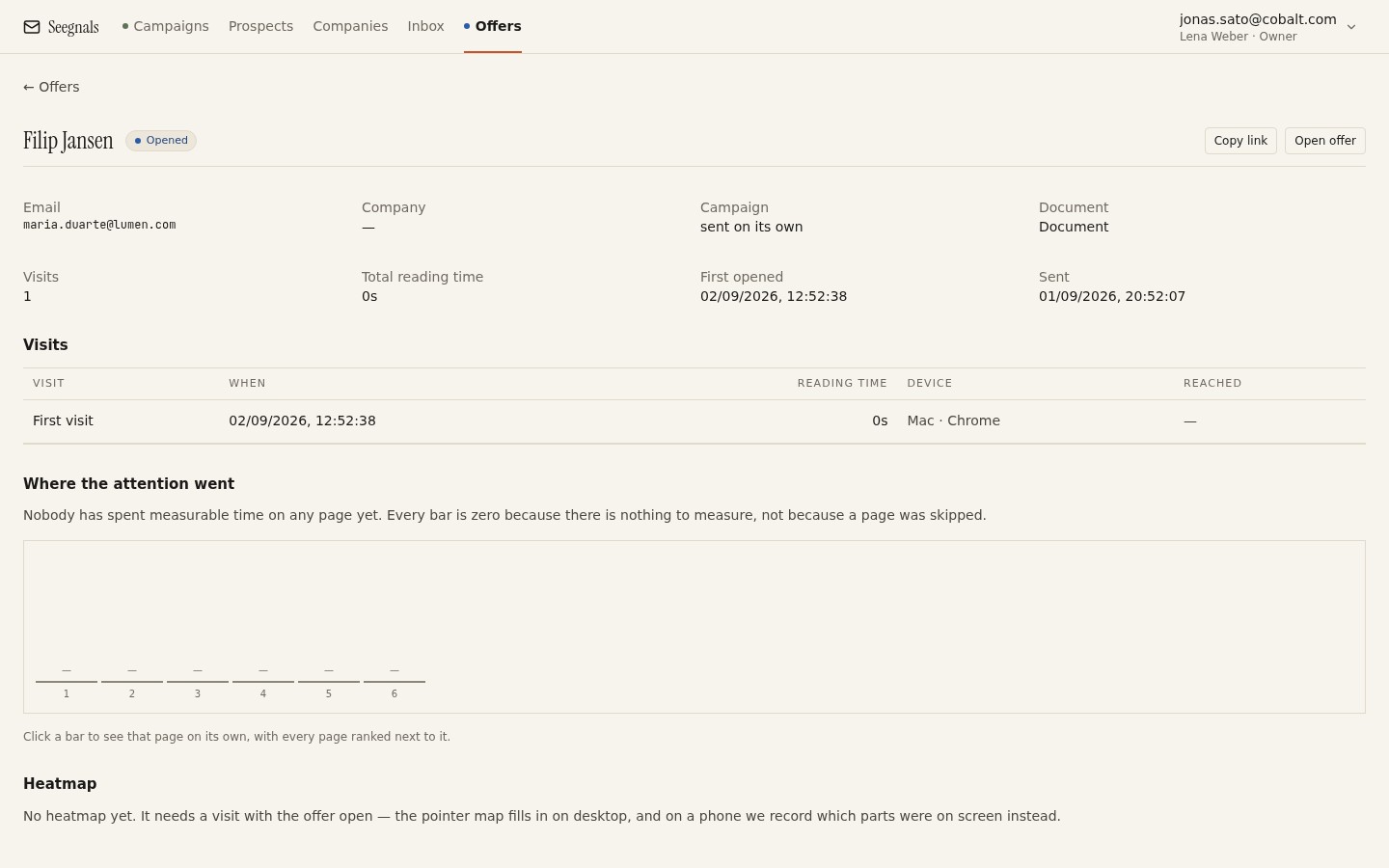
The return visit itself is visible if you send the proposal as a tracked link. The offer detail shows each visit, how long it lasted and which pages it covered, and the return visits count sits beside it. In Seegnals this appears on the offer page and on the company card, next to the email events for the same account. A second visit that goes straight to pricing, the day before a round-hour meeting, is the most reliable signal in proposal tracking that a conversation is about to happen. The right response is not to quote the visit back; it is to offer to help with the conversation. When to follow up based on reads has the message.
Common faults on the pricing page
A few things that show up repeatedly in proposals, and what to do instead.
The number is not on the page. It is in a table in the appendix, or spread across three lines that the reader has to add. Put the total in the largest type on the page.
The page is a spreadsheet export. Twenty lines, unit costs to two decimal places, a total in the bottom right. This is a costing. A pricing page is a different document. Keep the costing for your own files and show the buyer the two to five lines that matter.
The options differ in ways the reader cannot see. Three columns of ticks and crosses against fifteen features is a comparison the reader will not do. Describe each option in one sentence that says who it is for, and list only the differences that would change their decision.
The recommendation is missing. You have had the meeting; you know which option fits. Say so. A proposal that presents options without a view reads as if you do not have one.
Discounts appear without a reason. “Less 15%” with no explanation makes the reader wonder whether 25% was available. If you discount, say what for: volume, an early start, a reference. The reason is what makes the number believable.
What to do this week
- Open your last three proposals and look at the pricing page as if you had not read the rest. Can you explain each line to a stranger? Add the one sentence of context where you cannot.
- Check every option against the test: would you be glad to deliver it at that price? Remove any that exists only to make another look good.
- Move payment terms, validity and invoicing to the terms page. Put the total in the largest type on the pricing page.
- Write your recommendation on the page in one line, with the reason in a few words.
- On the next proposal you send as a tracked link, watch for a return visit to the pricing page. When it comes, send a short offer to walk someone through the number, without mentioning that you saw the visit.