The subject line most cold emails need is not clever. It is a line that tells the truth about what is inside, using words specific enough that the reader can tell in half a second whether it is about them. Almost everything that goes wrong with cold email subject lines comes from optimising for the open instead of the reply, and the two turn out to want different things.
A vague teaser (quick question, following up) gets opened by curiosity and closed by disappointment. A subject line dressed as a reply you never sent gets opened by mistake and remembered for the wrong reason. Neither produces the outcome you are actually after, which is someone reading the first line of the body and deciding you are worth a reply.
What works instead is plain and repeatable: name something specific and true, write it the way a person would type it, keep it short enough to read on a phone, and never let it promise something the body does not deliver. The rest of this article is about how to do that, and how your own campaign data, specifically the To check queue and the variant table, tells you when you have got it right.
Specific beats clever
A subject line’s only job is to answer one question honestly: is this about me. The fastest way to answer yes is to put something specific in it, something that could not have been sent to the next four hundred companies on the list unchanged.
That specific thing does not have to be exotic. It can be the company name, a detail about their industry, a recent event you found while researching, or the actual reason you are writing (a fact about their process, a competitor they use, a role that just opened). What it cannot be is a phrase engineered to be intriguing without being informative. Quick question about {{company}} is technically specific, but the word “quick” is doing marketing work and the reader has seen the pattern before.
Compare two subject lines for the same scenario, a vendor writing to a packaging plant about a maintenance contract:
- quick question: could be about anything, sent to anyone
- your line 3 changeover time: names a thing the reader will recognise or want to correct
The second is not clever. It is just accurate about what the email is actually offering to discuss. If you cannot write a subject line that specific, the honest fix is not a better subject line, it is more research before you write one.
Lower case, sentence case, and why title case reads as a campaign
Look at the subject lines in your own inbox that you actually opened this week. Most of them, from real people, are lower case or sentence case, with no punctuation doing extra work. Marketing sends default to Title Case With Every Word Capitalised, sometimes with an exclamation mark, because a template somewhere decided that reads as more urgent.
Cold email should look like a person wrote it, because a person did. Lower case and plain sentence case are not a trick, they are just what people actually type when they are not thinking about a subject line as a marketing asset. Reserve capital letters for what would normally have them: a name, the start of the sentence if you write one.
The same logic rules out the tricks that occasionally get recommended for cold email: a fake Re: or Fwd: to borrow the credibility of an ongoing thread, an emoji to stand out in a crowded inbox, urgency words like last chance that do not correspond to anything actually expiring. Each of these can raise an open in the short run. Each one also teaches the reader, inside the first sentence of the body, that the subject line lied. That is the moment you lose people who might otherwise have replied, and it is not visible in an open rate.
What the character limit in the To check queue is actually telling you
Seegnals holds a step back before sending when its rendered text goes over a real mail limit, subject and body together, snippets expanded to the actual value each prospect will receive. The hard limit comes from RFC 5322 and is not a style opinion: past it, mail servers clip or reject the message outright. There is also a softer recommendation specifically for subject lines, which you can wave through with an acknowledge button if you are certain a longer subject is deliberate.
That second warning is worth reading as a length check on its own, independent of the delivery risk. If a subject line is long enough to trip a “this is unusually long for a subject line” flag, it is almost certainly too long to read in full on a phone lock screen, which is where a large share of cold email gets a first glance. Short is not a style preference here, it is the actual reading condition.
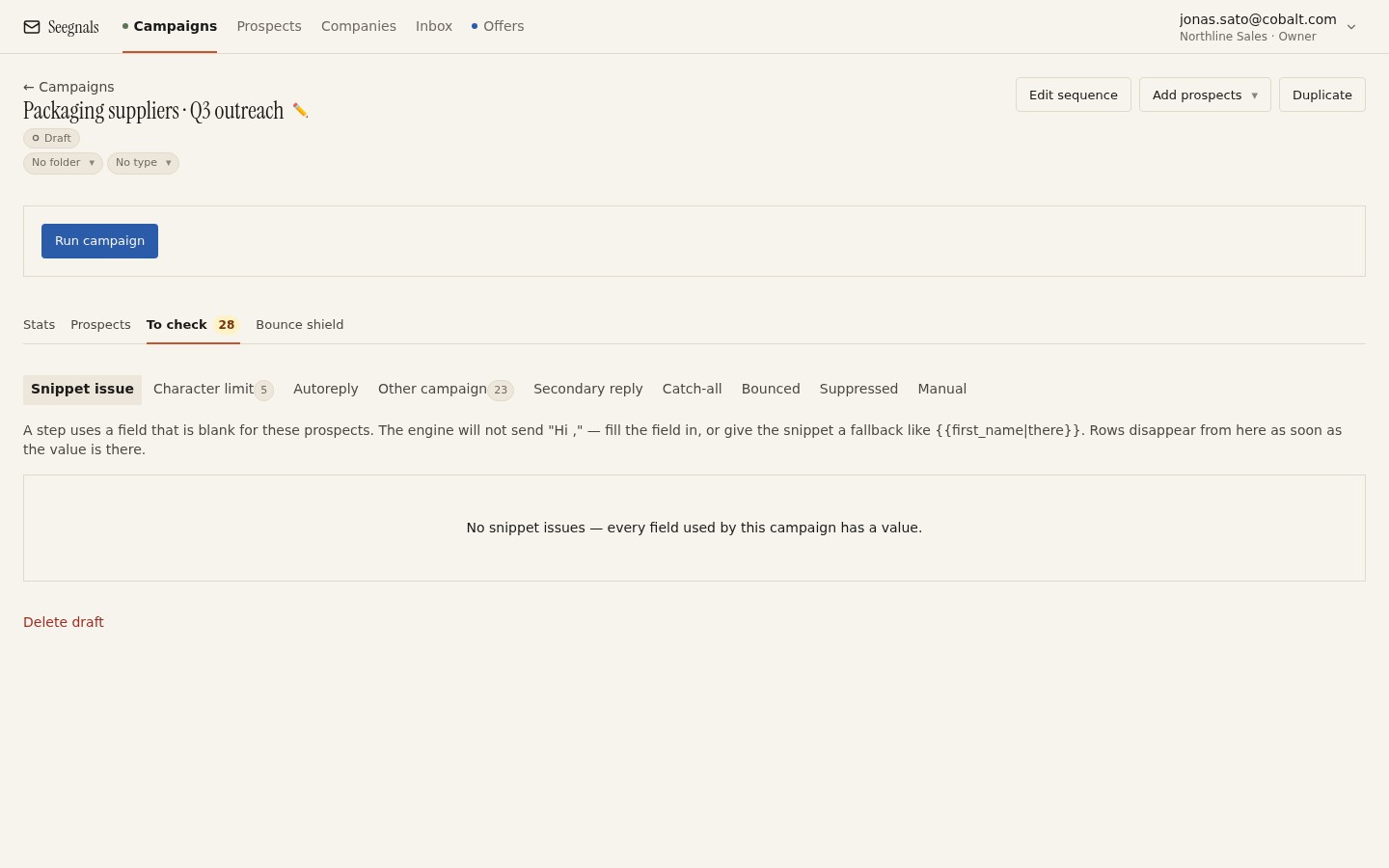 A row here is not a broken campaign, it is a length problem the queue caught before a mail server clipped the subject for you.
The full mechanics of every queue, including this one, are in the To check queue: what it catches before sending. The habit worth keeping from it: when the queue flags a subject line, read that as a second opinion on brevity.
Snippets in a subject line need the same fallback discipline as the body
A subject line built with {{company}} or {{industry}} is exactly as specific as the data behind it, which means it is also exactly as fragile. A blank field does not just weaken the subject, it can produce something like your question about with nothing after it, sent to a real person, sitting in their inbox as evidence that you did not check your own list.
The fix is the same one that applies everywhere snippets appear: give every field a fallback, written so it degrades to something plausible rather than something broken. {{industry|your team}} reads fine either way. Cold email personalisation with snippets and custom fields covers how to write fallbacks that hold up; the same rule applies whether the snippet lands in the subject or three lines into the body. If a field is missing for a prospect before the fallback is in place, Seegnals holds that row in the To check queue’s snippet issue tab rather than sending it blank, which is one more reason to add the fallback before you start rather than after the queue tells you to.
Test whole categories of subject line
A/B variants in the sequence editor let you send two subject lines for the same step to a random half of the segment each, and the campaign Stats tab shows a comparison table for that step. The temptation is to swap one word and call it a test. That rarely teaches you anything, because a one-word difference against a small list produces a difference small enough to be chance.
What is worth testing is a category shift: a question against a statement, the company’s name against a fact about their situation, a subject that names the ask against one that names the problem. Those produce differences large enough to notice, and differences you can explain if they hold. A/B testing cold email subject lines and variants without fooling yourself goes through how to set the test up so the comparison is fair and how many times to repeat it before you trust the result.
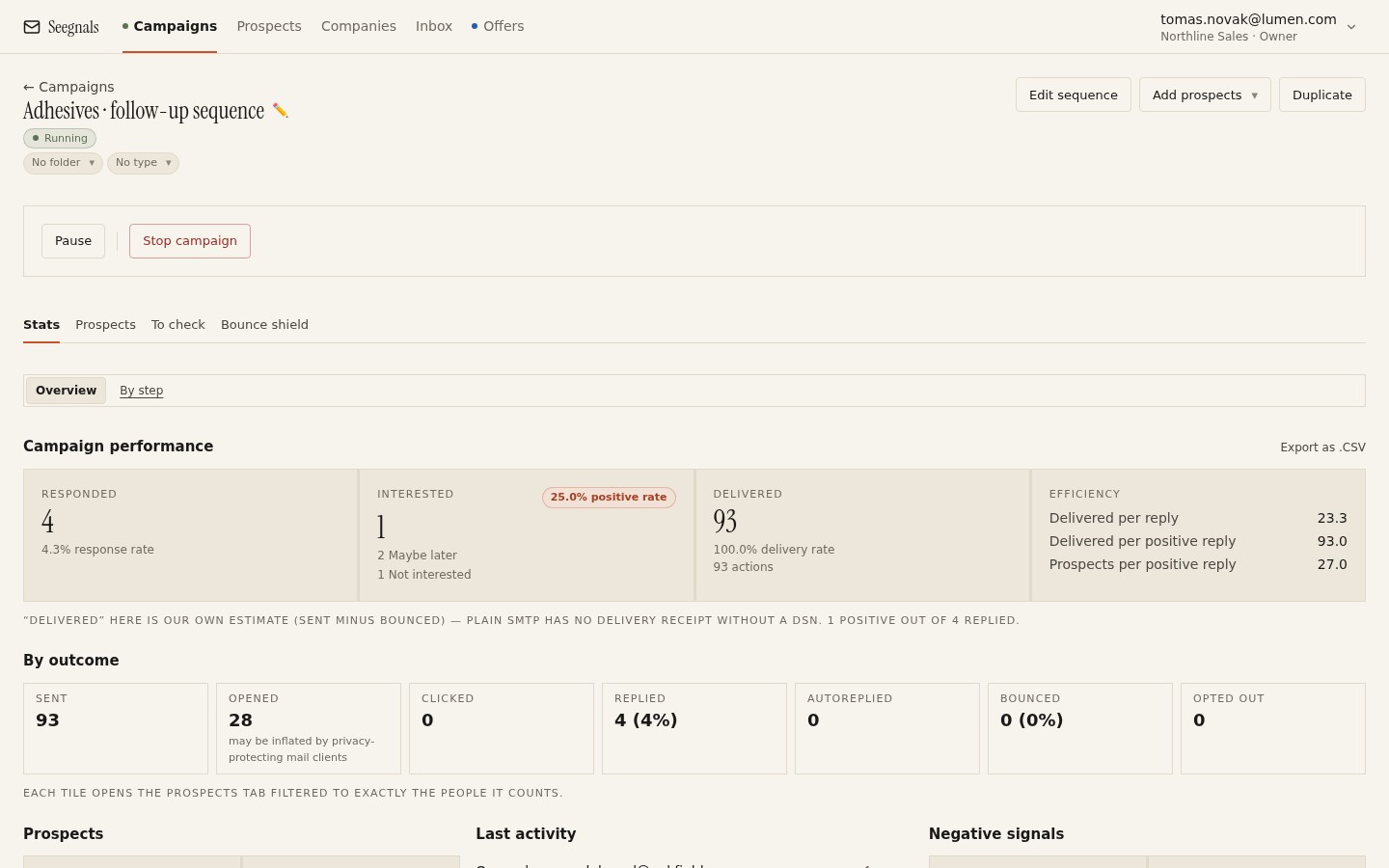 Read the Interested column first. A subject line change that only moves opens has not necessarily moved anything the reader did.
Whatever the table shows, judge it on interested replies first. Open counts move for reasons that have nothing to do with your subject line, most visibly Apple Mail Privacy Protection loading tracking pixels on behalf of readers who never looked, and the broader case for demoting reply rate and open rate as headline numbers is in reply rate is the wrong north star.
Write the subject line last
The most reliable fix for a bad subject line is to stop writing it first. A subject line invented before the body tends to promise something general, because there is nothing specific yet to summarise. Write the body, find the one true, specific thing it says, and use that as the subject. It will usually be shorter and plainer than anything you would have invented up front, which is the point.
What to do this week
- Pick one running sequence and rewrite its first subject line so it names one specific, checkable fact about the recipient’s company rather than a general offer.
- Convert any Title Case or exclamation-marked subject lines to plain sentence case.
- Add a fallback to every snippet used in a subject line, the same way you would for the body, before the next import runs.
- If a step is flagged in the To check queue’s character limit tab, treat it as a signal to shorten the subject.
- If you want to test a subject line, change the category (question versus statement, company name versus a fact about them) instead of a single word, and read the result from the Interested column of the variant table.