You have sent an offer. Somewhere, on a laptop between two meetings, someone opens the link. The first page appears. They give it a few seconds. In those seconds they decide one of three things: read this now, read this later, or find the price and then decide. Most of what happens to your offer afterwards is set in those seconds.
That makes the first page the most valuable page in the document and, in most proposals, the most wasted. It is a cover: a logo, a title, a date, perhaps a photograph. It answers none of the reader’s questions and defers all of them to page two, which many readers never reach in order.
This article is about what to put there instead. It works from how a PDF is actually read on a screen, describes the four things that belong on page one, the things that do not, and how to use reading data to check whether the page is doing its job. It pairs with how to structure a proposal, which covers the pages after it.
The reader decides in seconds
A buyer reading an offer is not reading a book. They are triaging. They have other offers, other work and a meeting in ten minutes. The question in their head when page one appears is not “what does this say” but “do I need to read this now”.
They answer that from what they can see without doing anything: without scrolling, clicking or zooming. On a laptop in a browser, that is the top half of the first page, sometimes less. Whatever is there is what they judge the offer on.
If what is there is your logo and the word “Proposal”, they have learned nothing and must decide whether to invest effort to learn more. Many will put it aside for later. Later is where offers go to be forgotten.
If what is there is their problem in their own words, followed by the outcome you are offering, they have learned that you understood them. That is enough to keep reading, and a reader who keeps reading in order is a reader you are still guiding.
Above the fold of a PDF
“Above the fold” comes from newspapers and moved to web pages. It applies to a PDF read in a browser just as well, and the fold is easy to locate: it is what fits in the viewer before the reader scrolls.
For a portrait A4 or letter page in a typical browser window that is around the top half of the page. Tracked offer links render the document a page at a time and fit the page to the window, which helps, but on a laptop screen the text in the top half is what is legible at a glance and the bottom half needs a look.
So the first page has two zones.
The top half is the decision zone. The problem and the outcome must be here, in type large enough to read without effort. Two or three sentences at most.
The bottom half is the confirmation zone. The shape of the answer and the price range live here. A reader who liked the top half looks down, sees the number is in range and the approach is sensible, and turns the page.
Nothing else fits, and nothing else should try to. A first page that also carries a table of contents, a greeting, a paragraph about your company and a signature block has pushed the decision zone off the screen.
What belongs on page one
Four things, in this order.
Their problem, in their words. The sentence they said in the meeting. If there was no meeting, the sentence their brief used. Not your restatement of it; theirs. This is the fastest way to show you listened, and it is the line the reader will recognise in a glance.
The outcome. What is true when the work is done that is not true now. If it can be measured, measure it. If not, describe it in one plain sentence. “Quotes go out the same day” is an outcome. “A modern quoting solution” is not.
The shape of the answer. Two or three lines on what you will do: the deliverable itself. “A configured quoting tool, connected to your ERP, live at three sites in twelve weeks” is a shape. The methodology goes on page four.
The price, or its range, and the time. If there is one price, state it. If there are options, state the range and point to the page where the options are compared. Readers will look for the number wherever you put it; putting it here keeps them in your order. The pricing page itself comes later and does the detailed work.
Optionally, a fifth: the next step. One line saying what happens if they say yes, and by when they need to say it if there is a real reason. Not a deadline invented for pressure.
The title of the page states the outcome. “Proposal” is not a title. “Same-day quotes at three sites by March” is a title. “Proposal for Acme Ltd” is a filing label.
What does not belong
The logo, or at most a small one in a corner. The reader knows who sent this.
The mission statement, the company history, the year founded, the number of employees. None of these answers a question the reader has on page one. They can go in the appendix if you believe a particular reader will want them.
The table of contents. In a browser the reader moves between pages with a key or a click; a contents page is a page they skip. If the document is long enough to need one, it is probably too long, and proposal length is worth a look.
The greeting and the covering letter. “Dear Ms Nowak, thank you for the opportunity” belongs in the email. The document opens with the summary.
A photograph. A stock image of a handshake takes the top half of the page and says nothing. If you have an image that shows the outcome (the product installed, the dashboard live), it can sit in the bottom half. Otherwise, no image.
The date and reference number. Bottom corner, small. They are for filing.
Two first pages, compared
Say you sell packaging machinery to food plants and have just quoted a line upgrade. Two versions of page one.
The first: your logo across the top, “Proposal: Line 3 Upgrade” in large type, the plant’s name and address, the date, your account manager’s name and phone number, a photograph of a machine, and at the bottom “Confidential”. The reader learns that you make machines and that this is about line 3. They jump to the price.
The second: a title, “Line 3 at 14,000 units an hour without the Friday changeover”. Under it, in their words: “We lose most of Friday afternoon to changeover on line 3 and cannot take the extra retail order.” Then the outcome: “The upgraded line runs the retail format without a tooling change, so the Friday shift is production time.” Then the shape: “A new infeed and sealing head, installed over one weekend, commissioned the following week, with your operators trained on the Monday.” Then: “Price between X and Y depending on the sealing head option on page 3. Installation the weekend of your choice from October.” The reader learns everything they need to decide to keep reading, and the number is already in their head in the right context.
The second page took no longer to write than the first. It only required deciding that page one is for the reader.
Checking the first page against the data
If you send offers as tracked links, the first page produces data, and it is the easiest page to read data for.
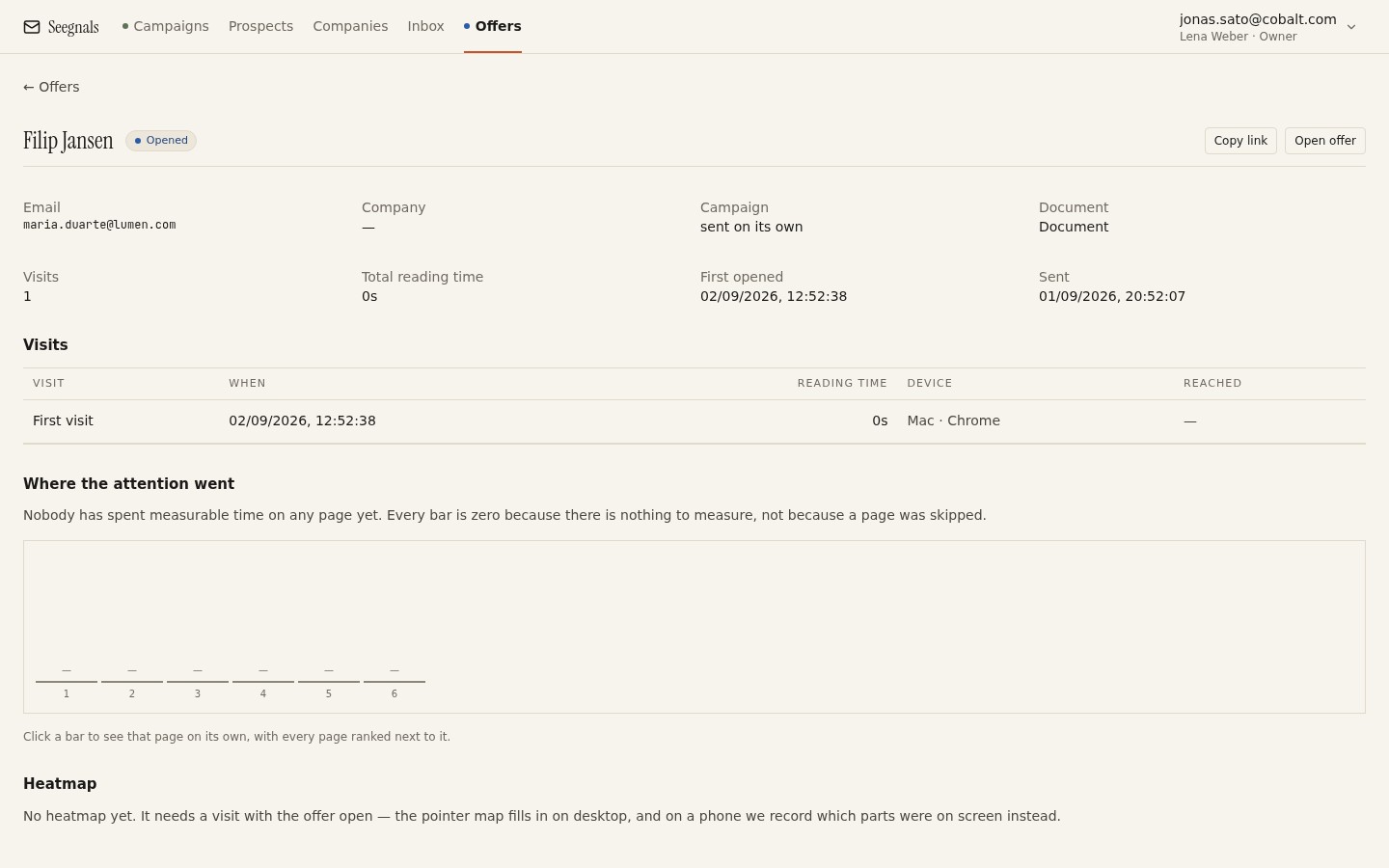 Page one should hold attention and be followed by a steady read of the next pages; seconds on page one then a jump to pricing means the page is working as a cover.
Two patterns matter.
The first page holds a reasonable time and the pages after it are read in order. The page did its job: the reader was triaging, decided to read, and read.
The first page gets seconds and the next page with any time is pricing. The reader did not find what they needed on page one, went to find the number, and then either read backwards or stopped. If this pattern repeats across your proposals, the first page is a cover and needs to become a summary.
Look across several offers rather than at one. A single reader who skips page one may already know the offer from the meeting. Ten readers who skip it are telling you about the page. The offers list is where that comparison starts, and the detail for each offer shows the shape of the read; reading time per page explains how to read the shapes. In Seegnals the same data appears on the company card, alongside the email that carried the link, so an offer that was opened and abandoned on page one looks different from one that was never opened.
What to do this week
- Open your most recent offer and look only at what would be visible in a browser without scrolling. Write down what a stranger would learn from it. If the answer is “who sent it”, rewrite the page.
- Find the sentence the buyer used to describe their problem in the meeting or brief. Put it at the top of page one, in their words.
- Write the outcome as one sentence that is true after the work and false before it. Put it under the problem.
- Add the shape of the answer in two or three lines and the price or range with the timeframe. Move the logo to a corner and the date to the bottom.
- On the next three offers you send as tracked links, note the time on page one and the page the reader went to next. If they jump to pricing every time, page one still is not doing its job.